What Cougny can do
In beta for Mac and Windows
Cougny is your personal AI assistant for your computer. Press Control + Option or click Cougny and say what you want, or type it, and it sees your screen and does it with the mouse and keyboard.
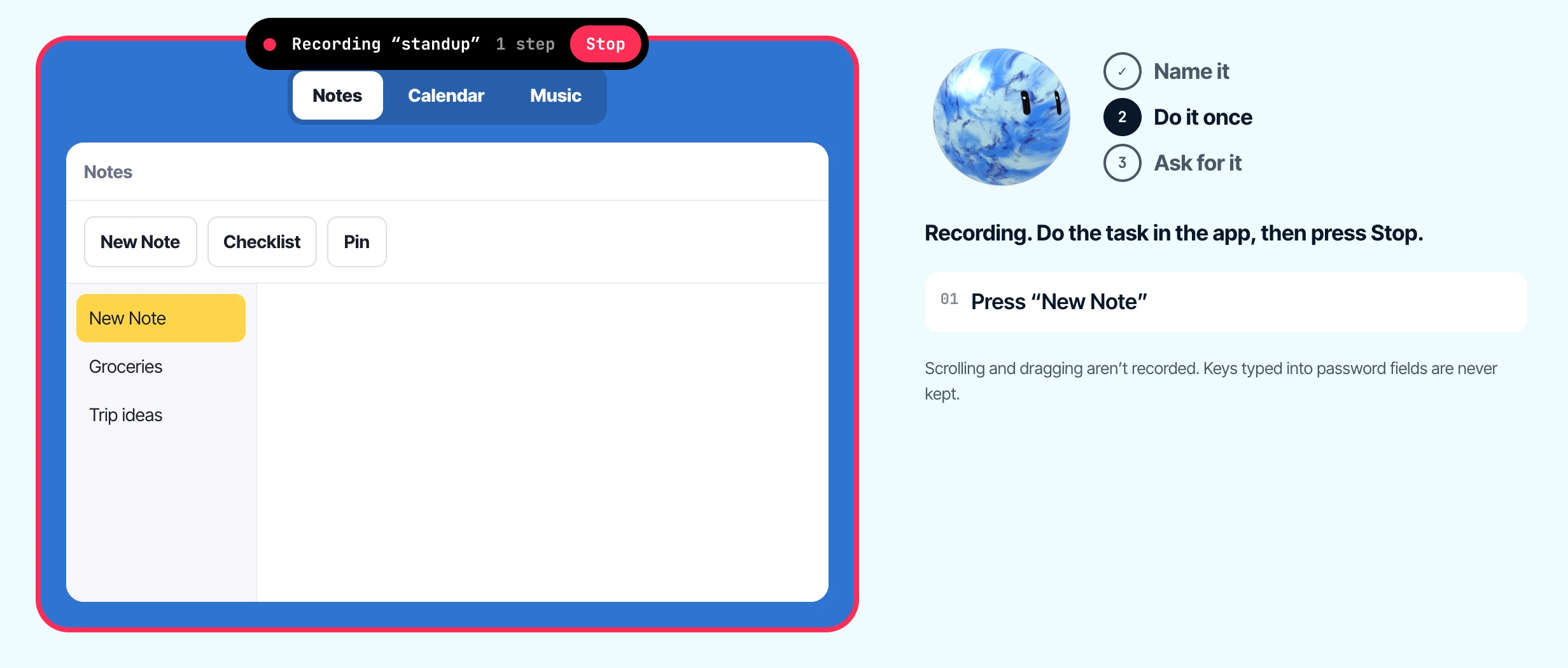
Teach it
Name a task, press Start and do it once. Cougny keeps the steps. Ask for it by name and it replays them, with no AI call.
It sees the real buttons
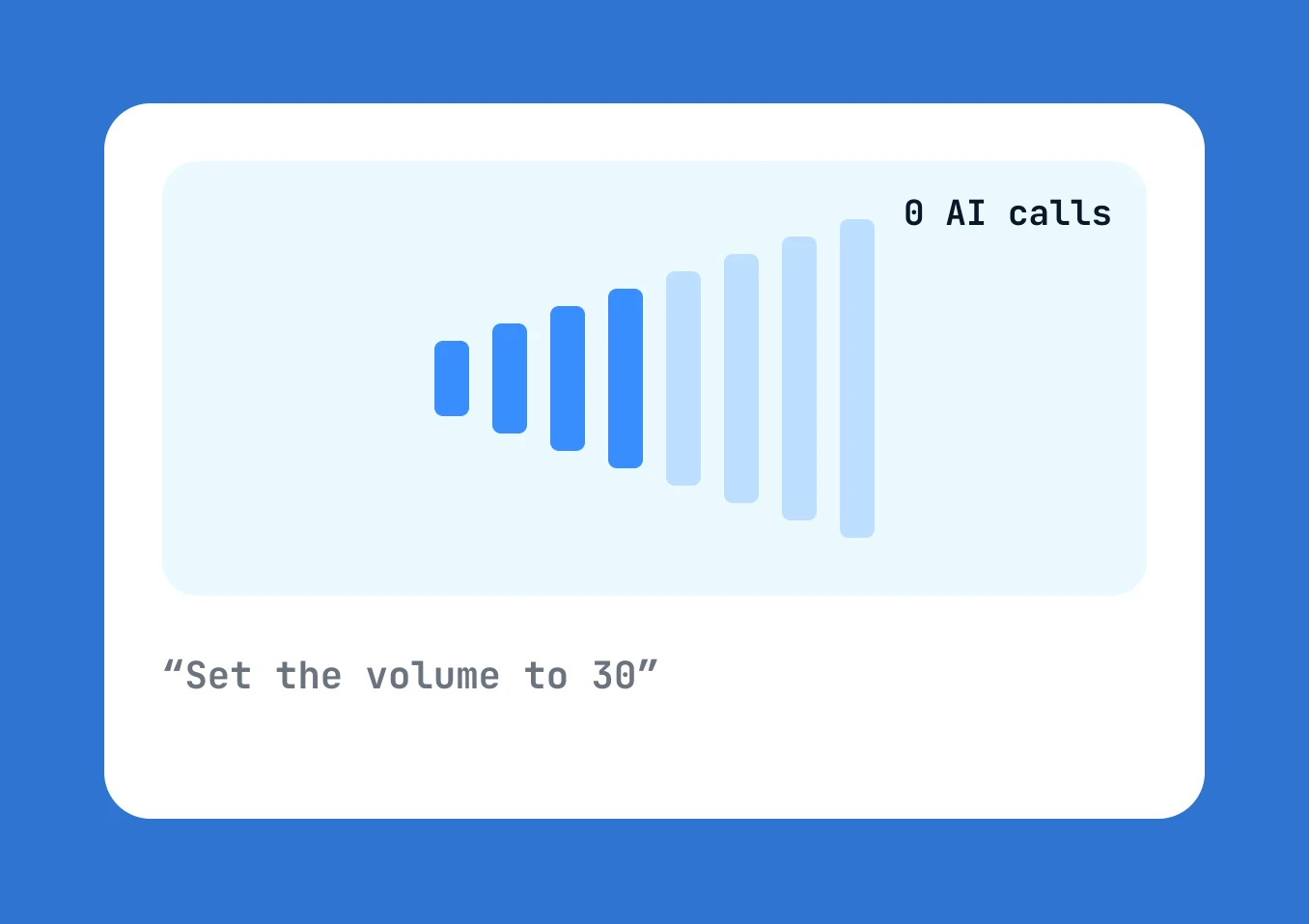
It sees your screen and the real buttons and fields in the app, numbers them, and plans the next step. Then it clicks, types, opens apps and sites, and tells you when it's done.
Instant commands
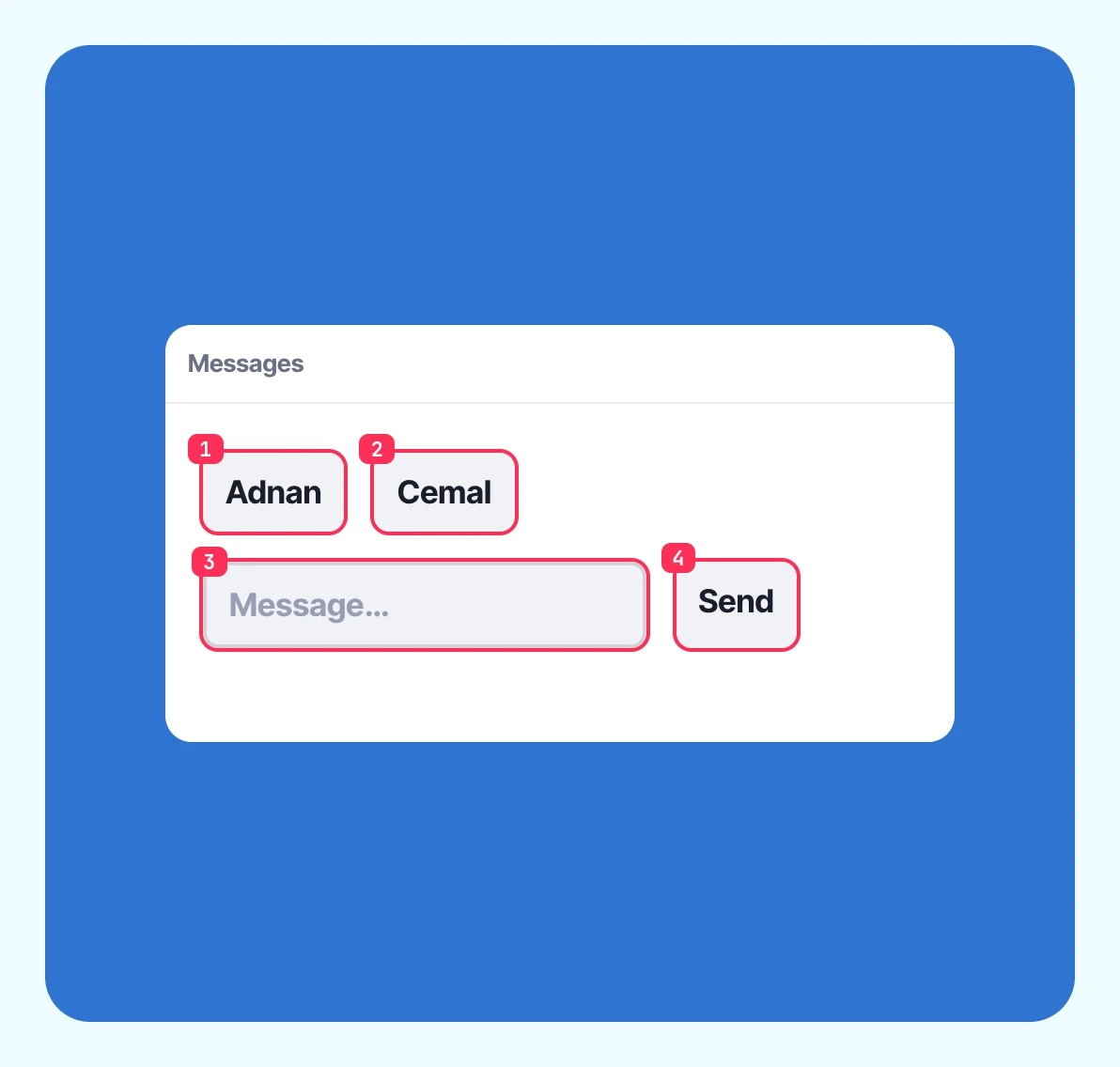
Apps, sites, searches, volume, brightness, dark mode, Wi-Fi, music and the lock screen happen at once, with no AI call.
Understands apps, not pixels
It reads each window’s real buttons and fields, numbers them, and presses or fills them directly. It doesn’t even move your mouse.
Windows and layouts
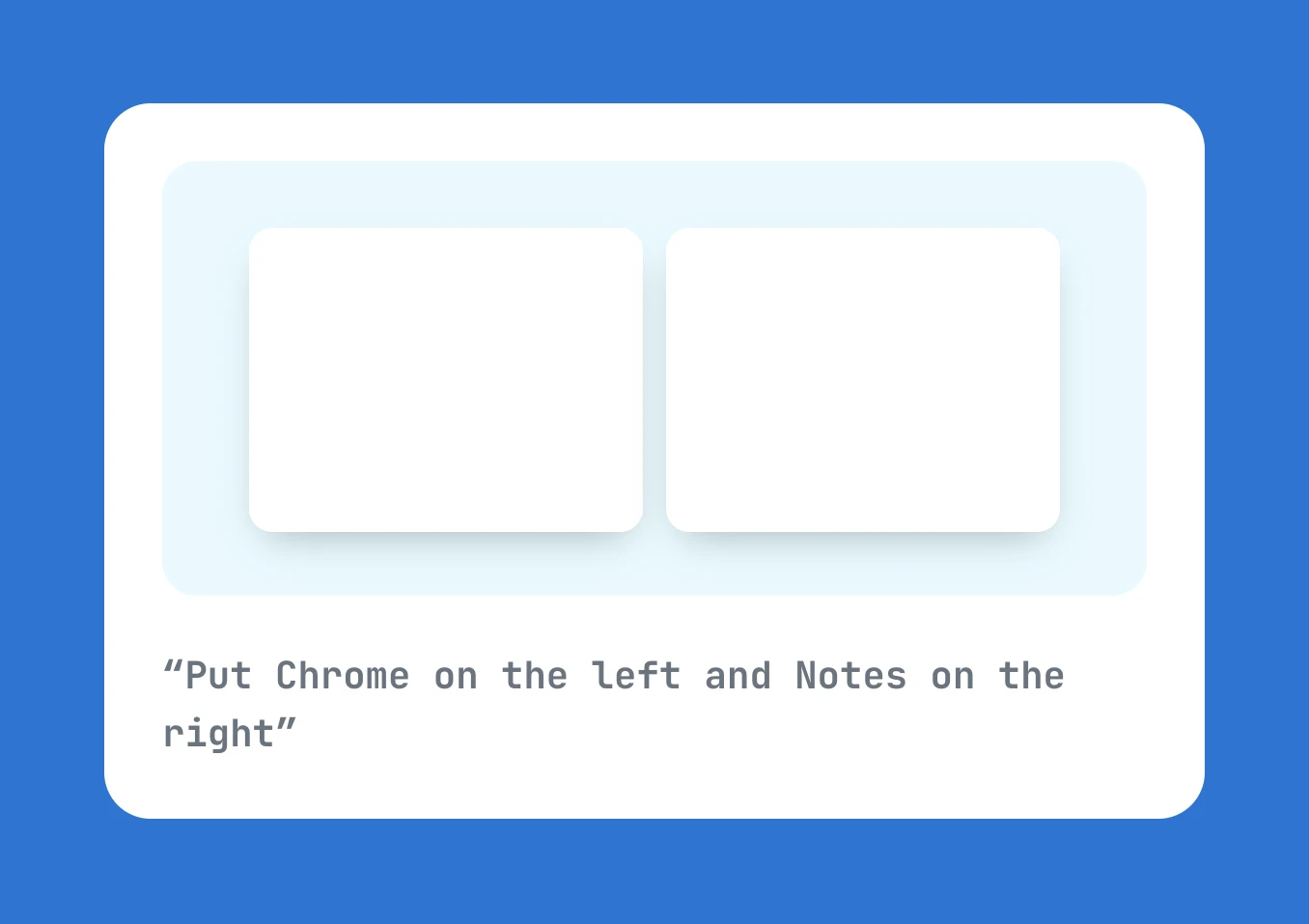
Halves, thirds and quarters, and layouts it remembers: “set up my coding layout” puts every window back.
Files, handled
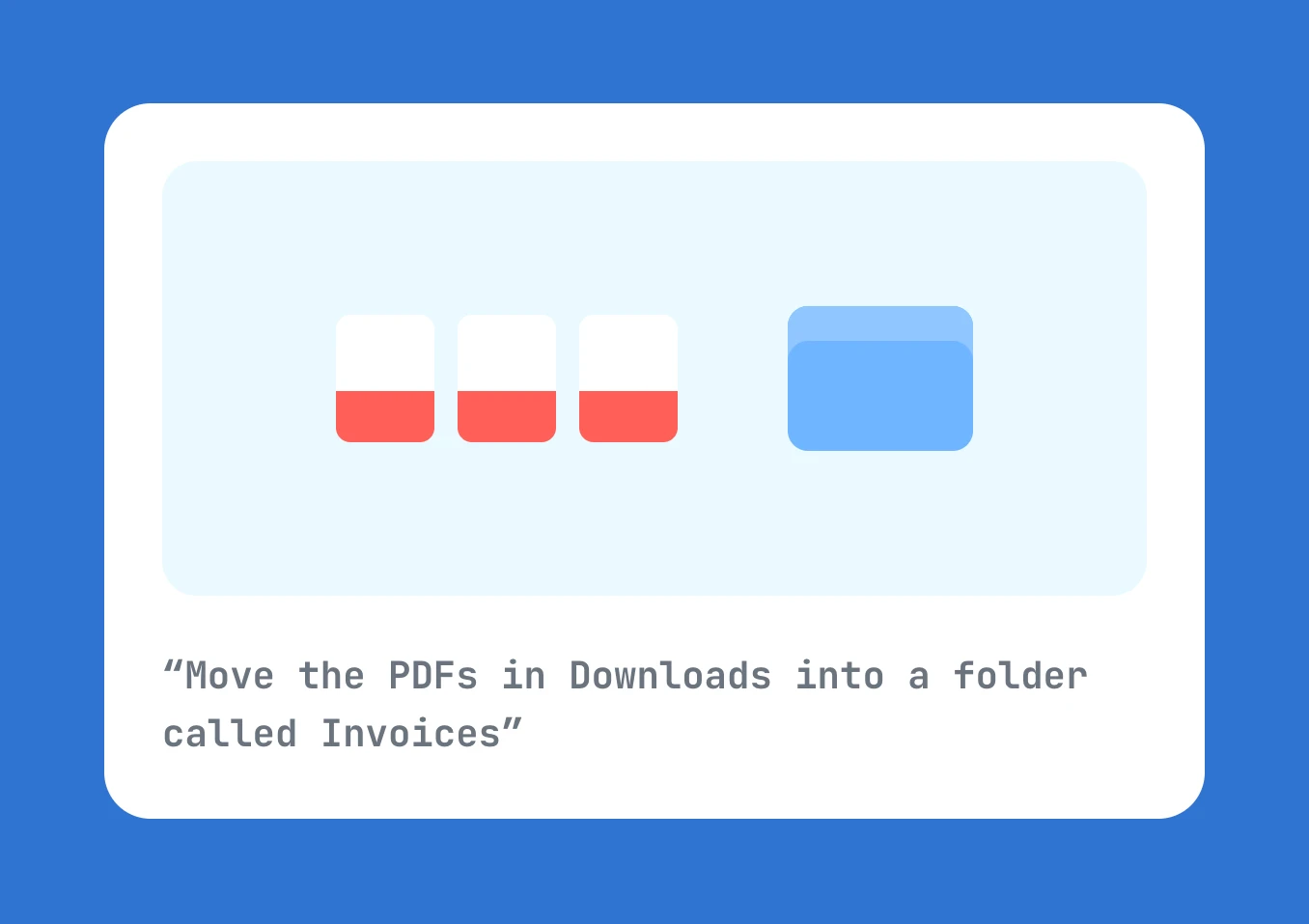
Finds, moves, renames and compresses files, converts photos, videos, slides and documents between dozens of formats, and zips folders.
Reminders, Calendar, Mail
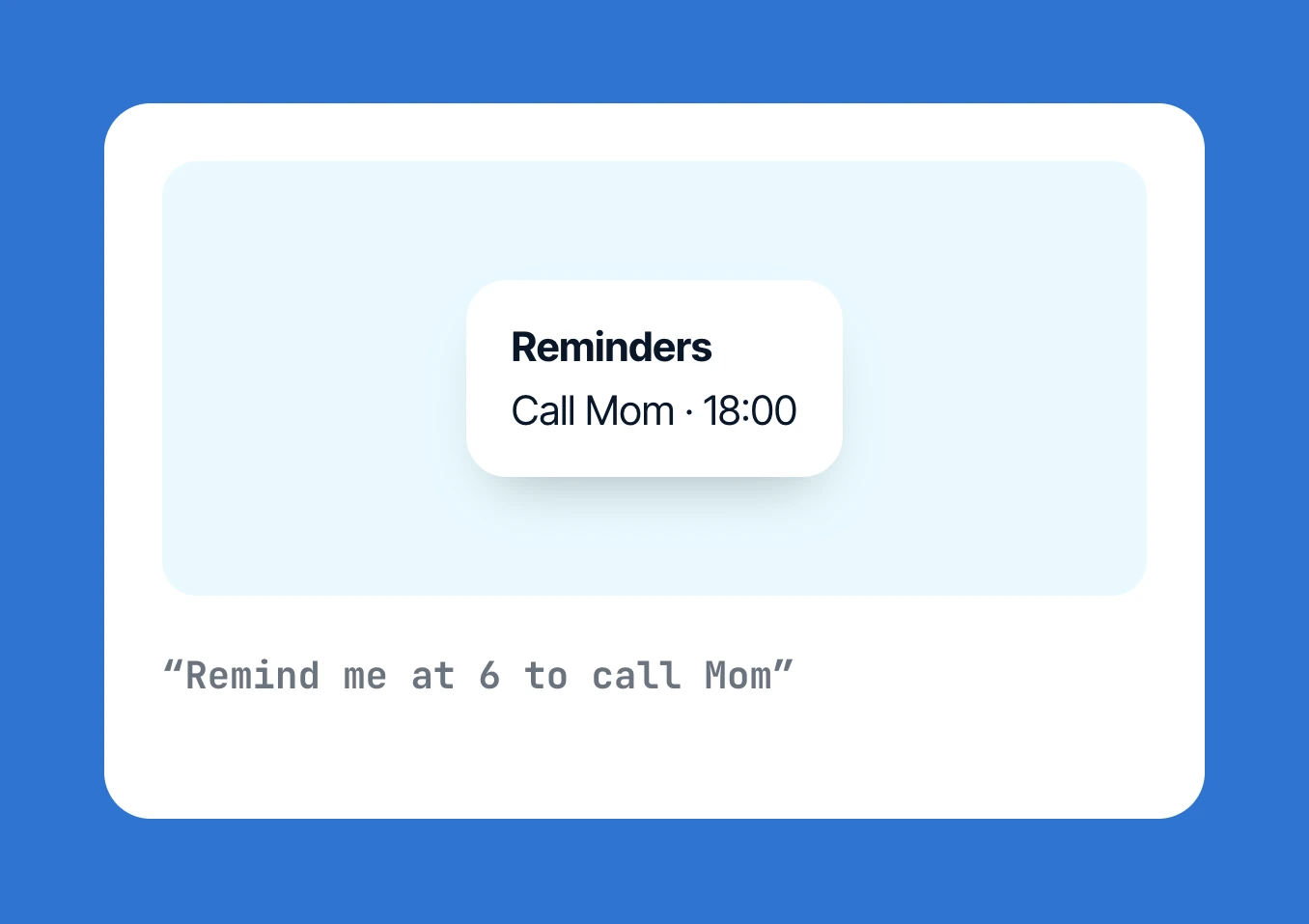
Adds reminders and events, writes notes, sends messages and emails, and drafts replies it saves but never sends.
On a schedule
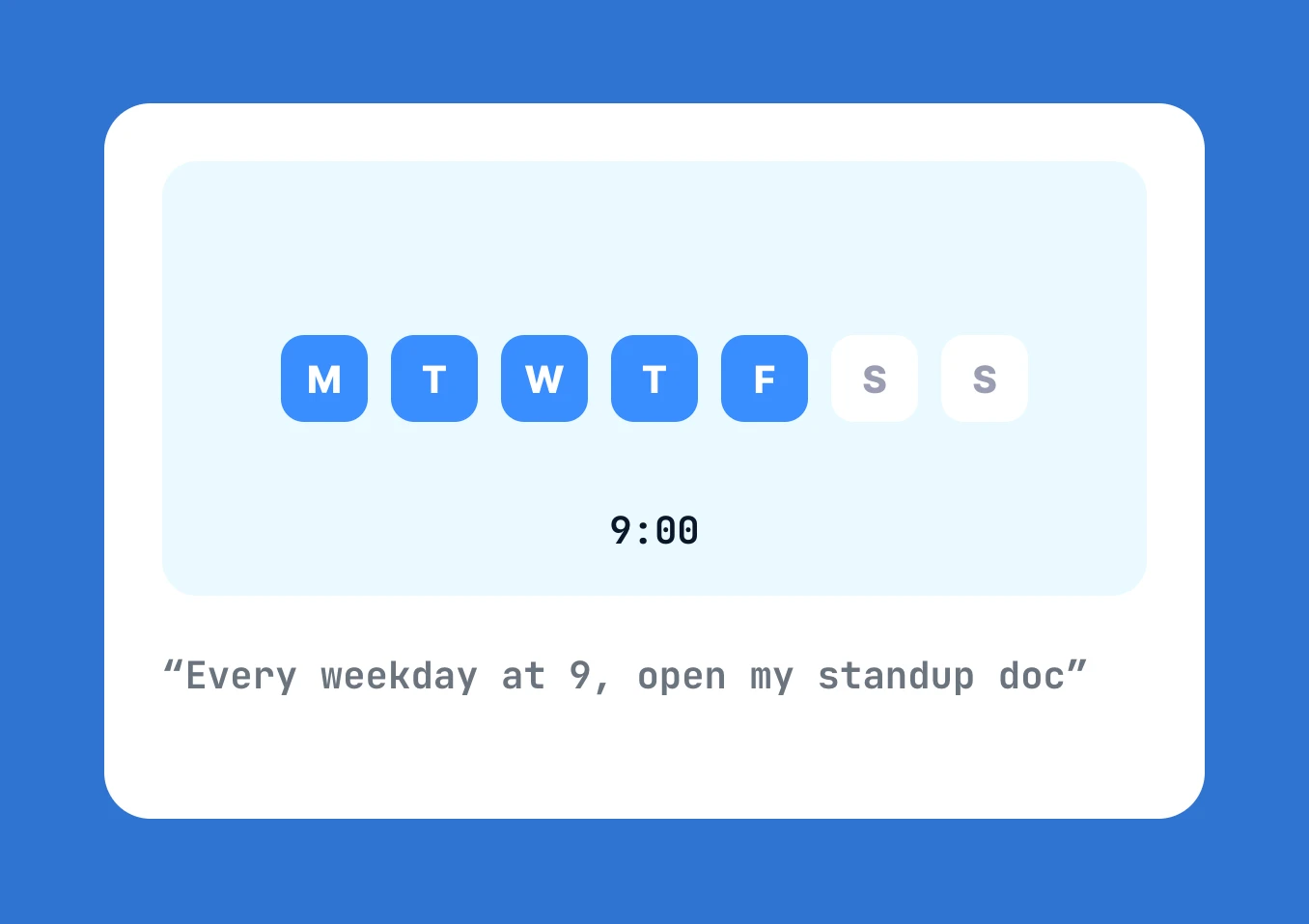
Runs a request at a time you pick, or when a new file lands in a folder, while Cougny is open.
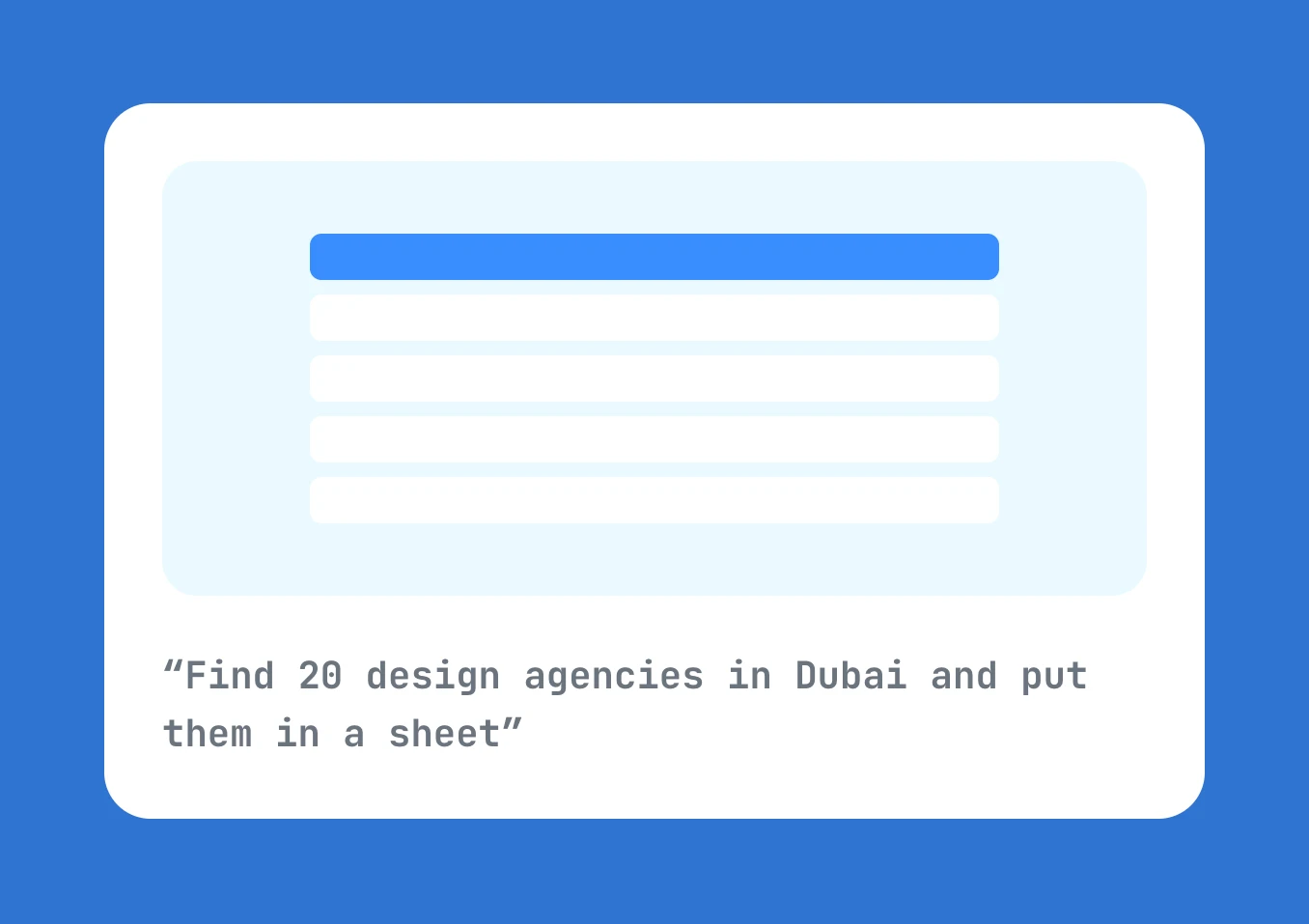
Research into sheets
Reads pages as text, keeps notes as it goes and builds a real spreadsheet row by row. Long jobs get a plan it ticks off.
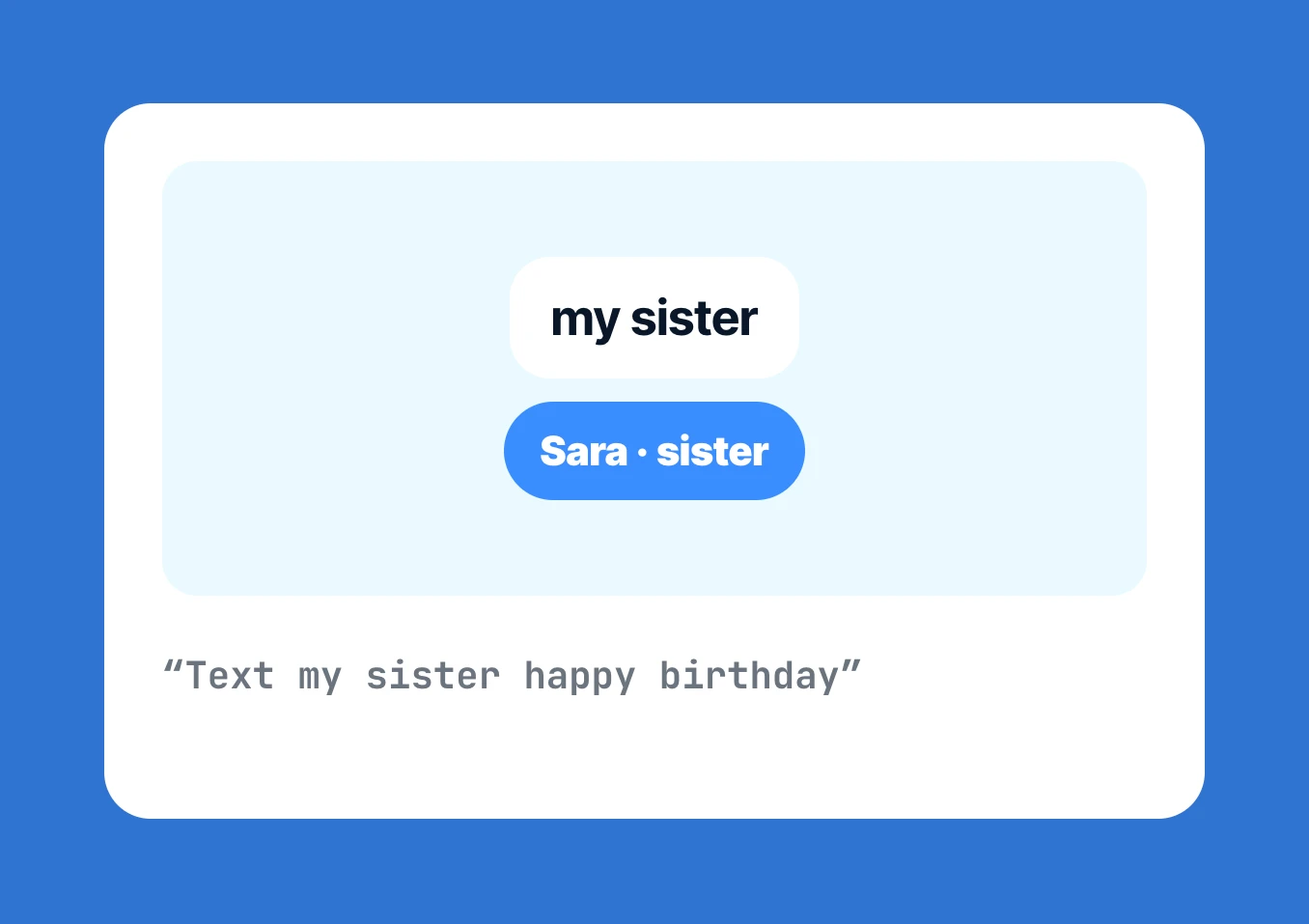
Knows your people
Learns from Contacts and your chats. See, edit or forget anything it knows in Settings → Memory.
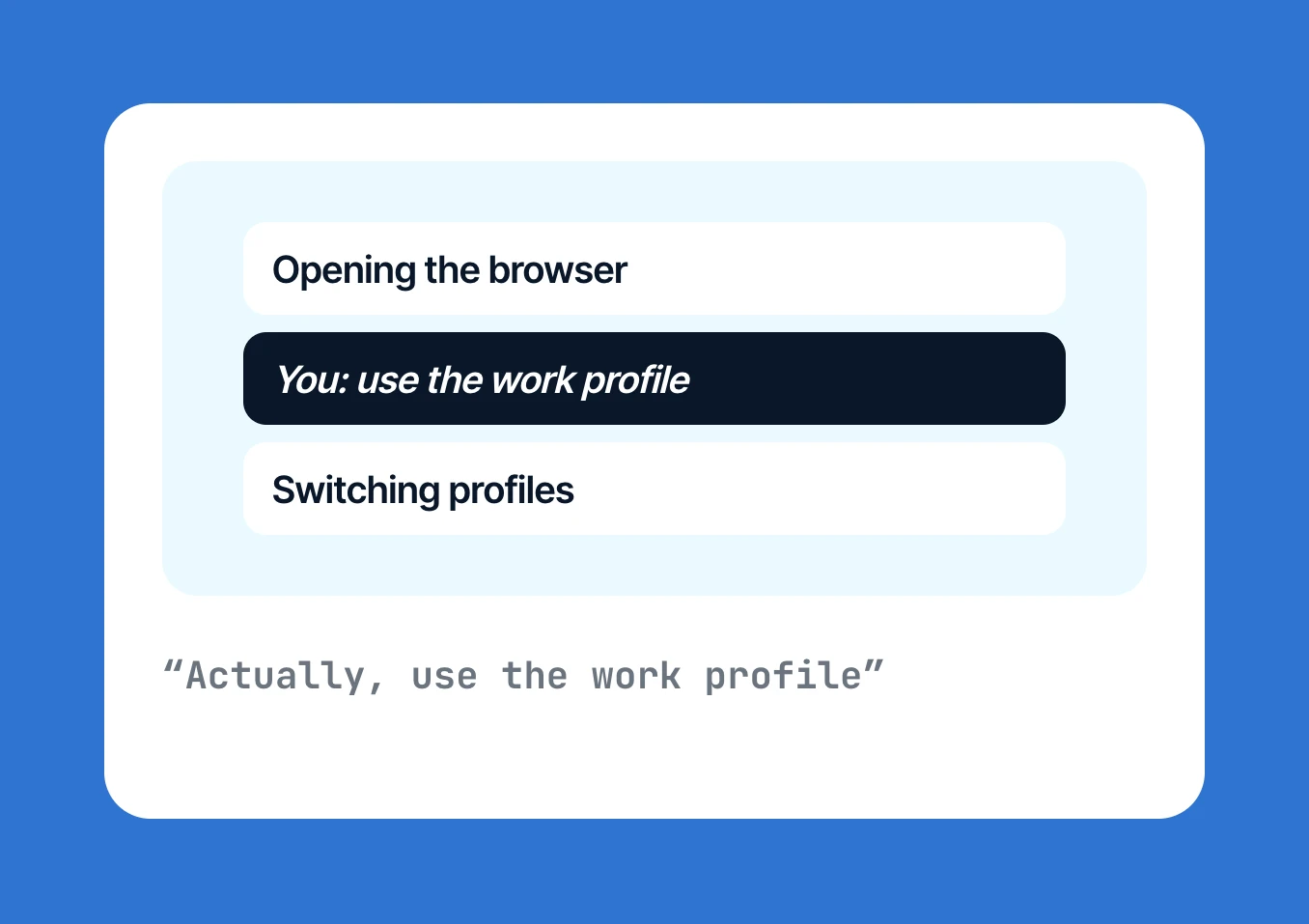
Talk while it works
Speak up mid-task to correct it or add to it. It holds its next step, takes what you said and carries on.
Undo
Puts back what the last task changed: moved or renamed files, reminders, events, notes and schedules, drafts it saved, windows it moved, settings it changed, and Wi-Fi, Bluetooth, dark mode, volume and brightness.
Connectors
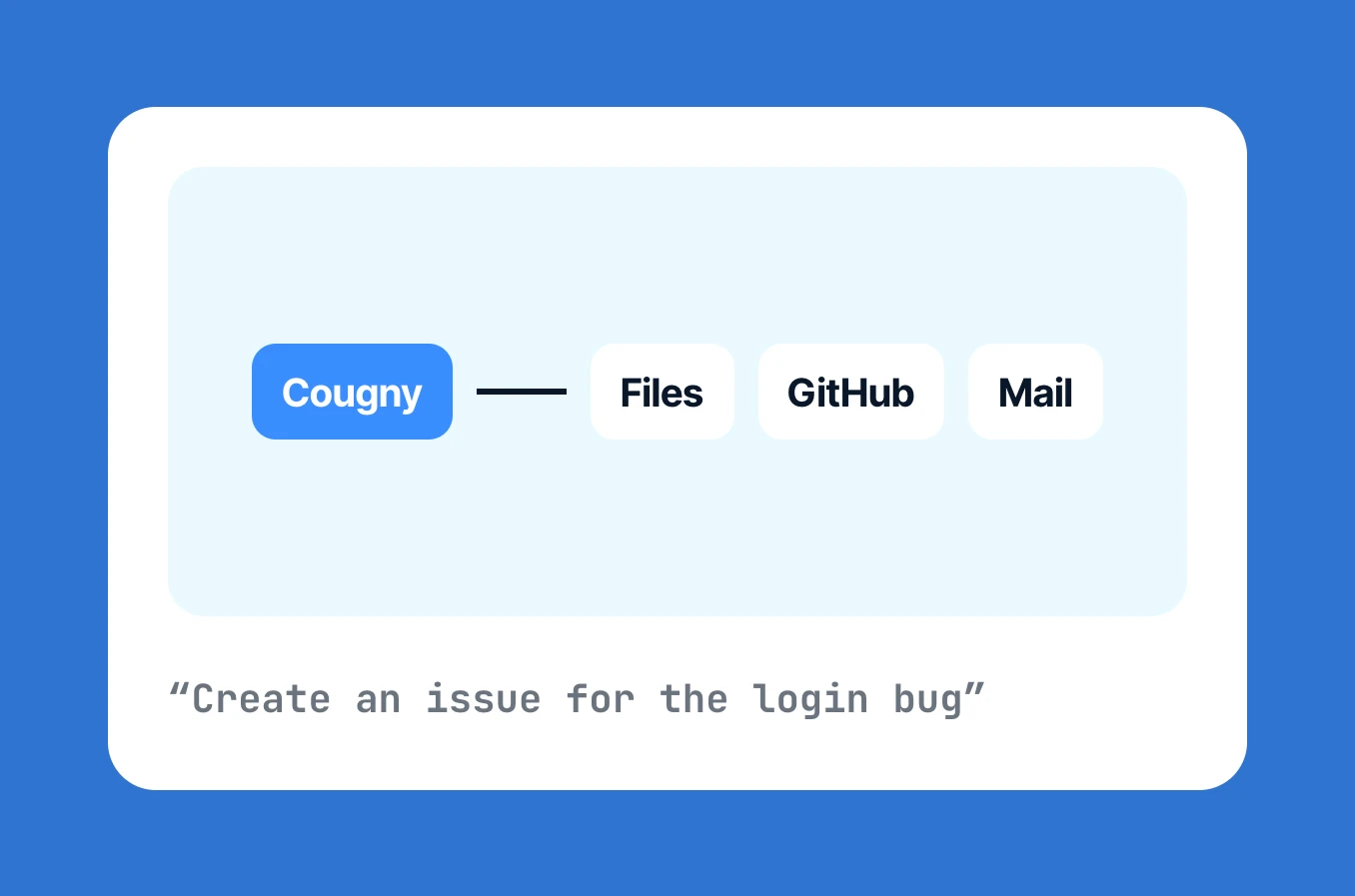
Connect the apps you use and Cougny works in them directly: one precise call instead of a dozen clicks.
Forms and checkouts
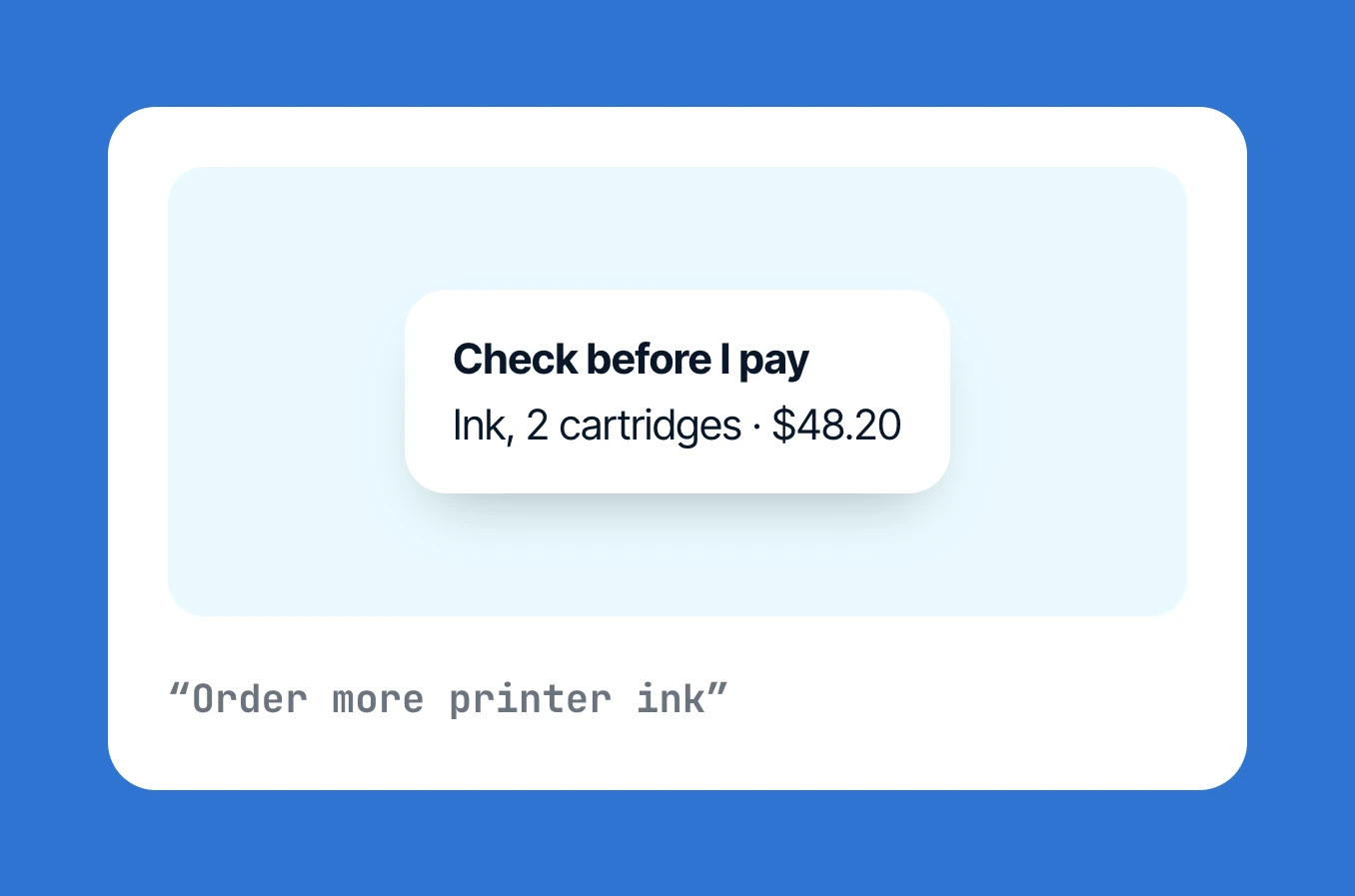
Fills in forms and goes through checkouts, but shows you a card to check first. Nothing is filled in or paid without your yes, and it never types passwords or card numbers.
Show me how
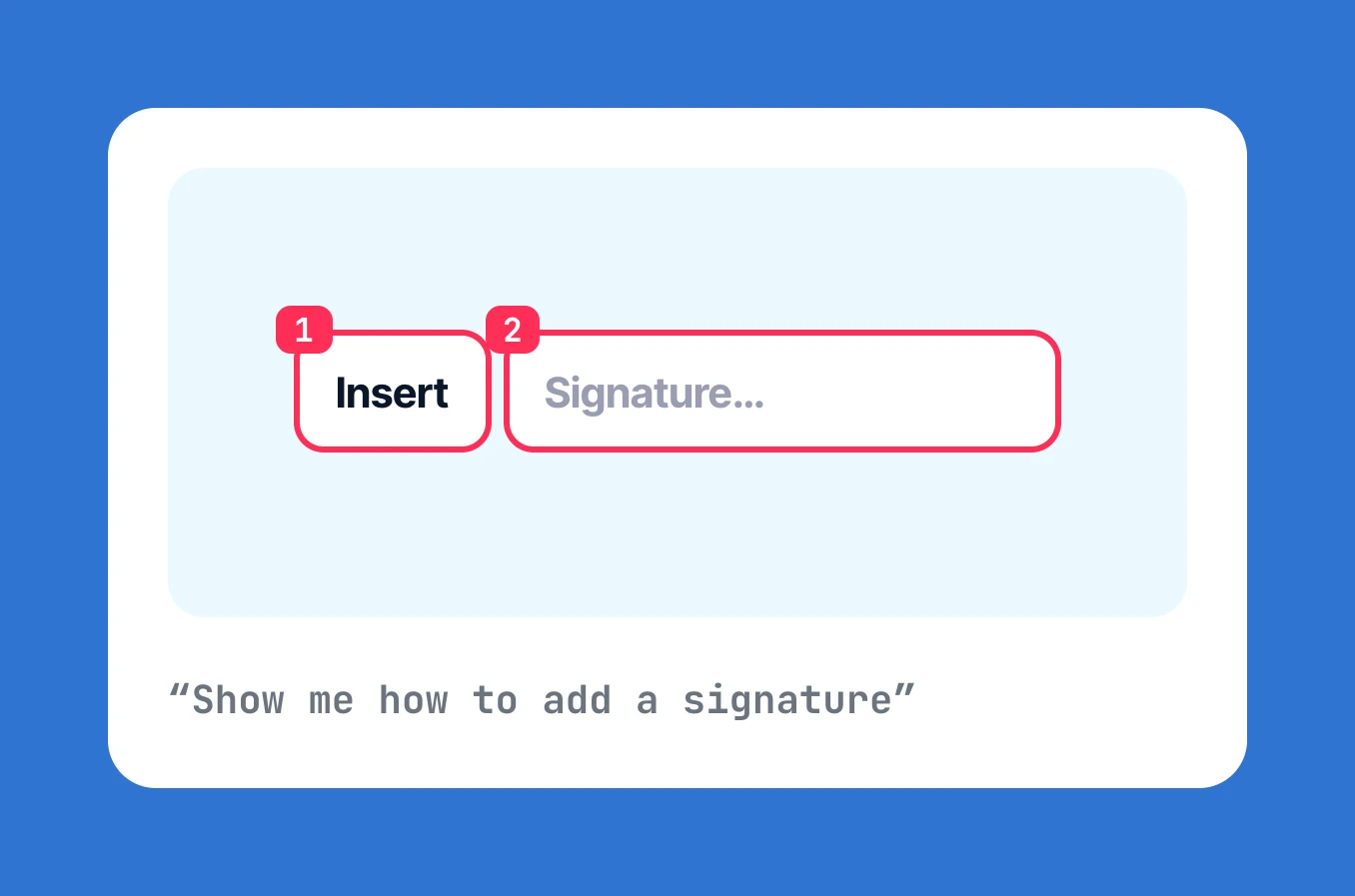
Draws around each thing to click on your screen, numbers the next steps, and waits while you do it, so you learn the way in any app instead of just getting the result.
Drawn answers
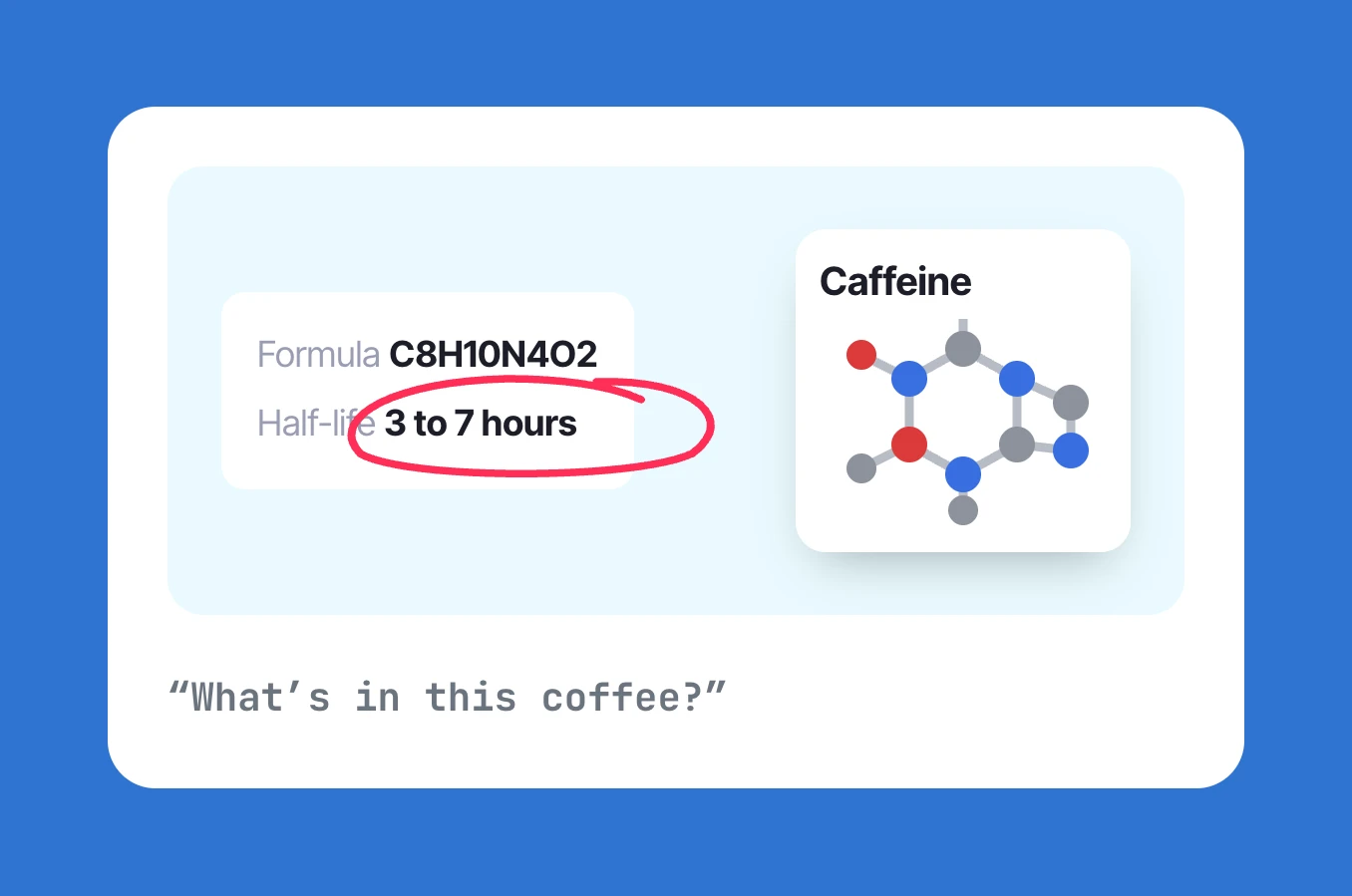
Explaining something, it circles, underlines and points at it on your screen as it talks. For a real thing, like an engine or a molecule, it shows a photo from Wikipedia and a 3D model you can turn.
Meeting notes, no bot
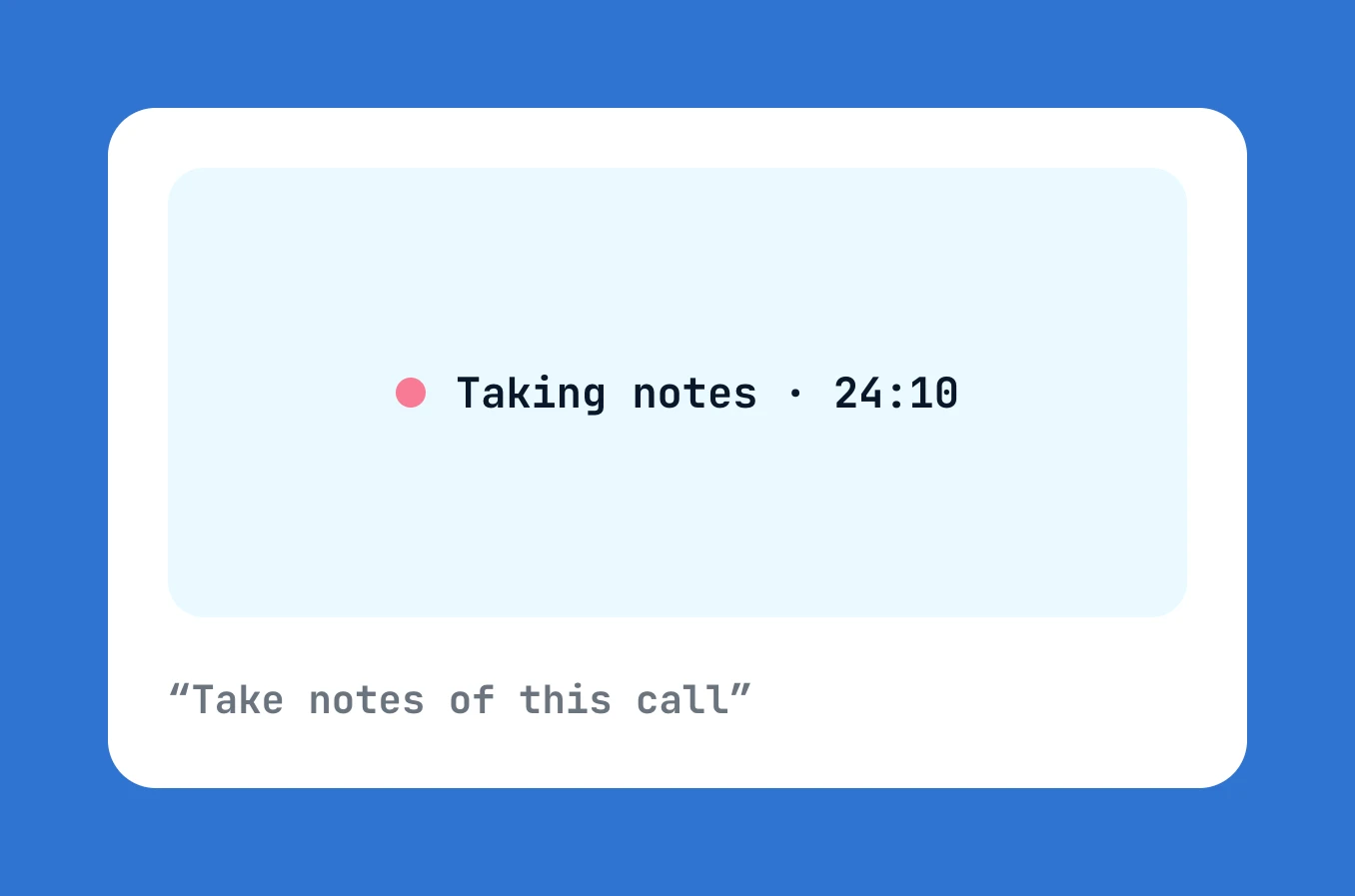
Hears the call and your microphone, turns them into text on your computer, and writes the summary, decisions and action items when it’s over. The sound is never kept.
Ask it from other apps
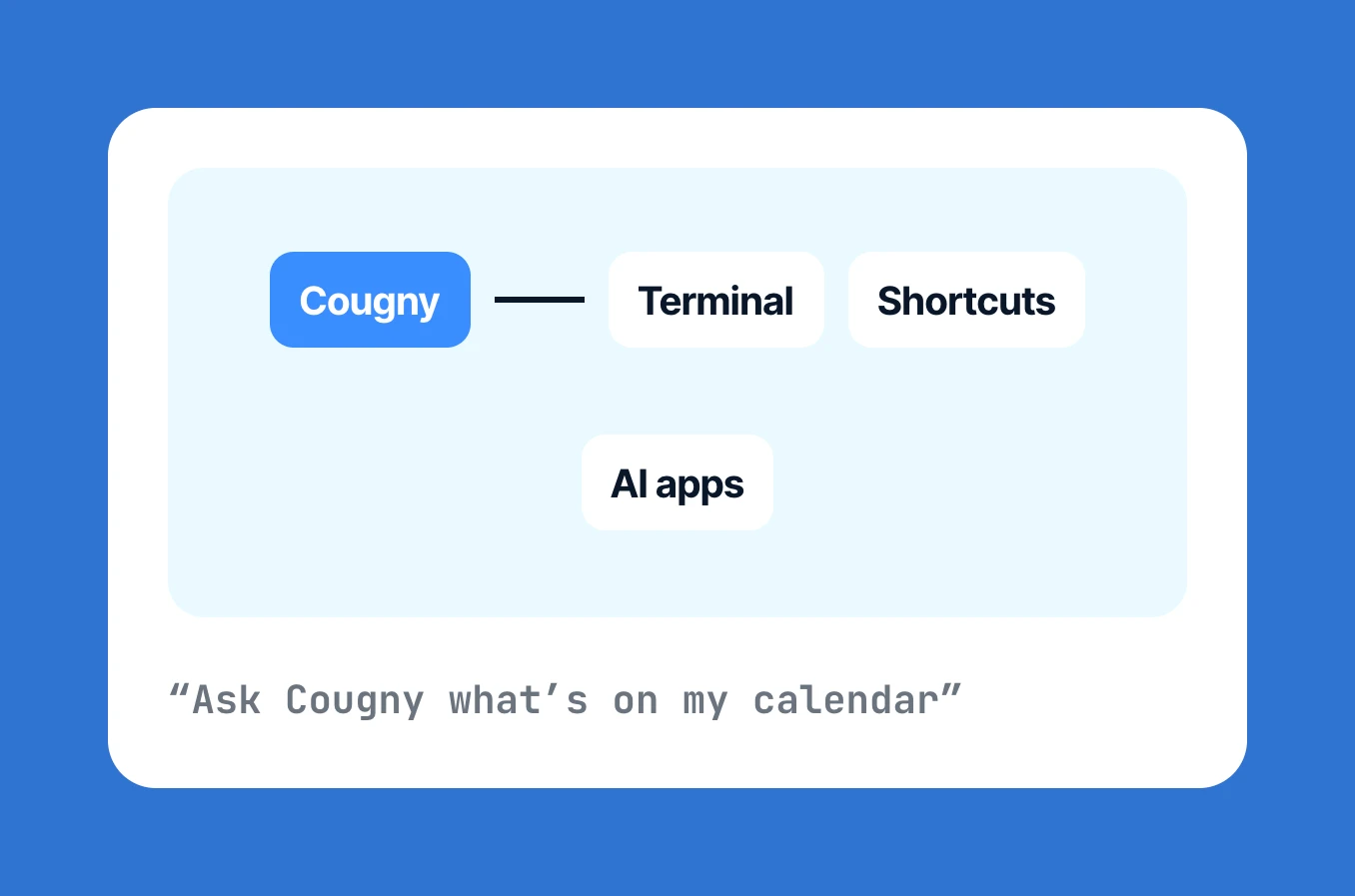
Terminals, Shortcuts and AI apps can hand Cougny a request, on your computer only: nothing listens on the network.
Taught tasks
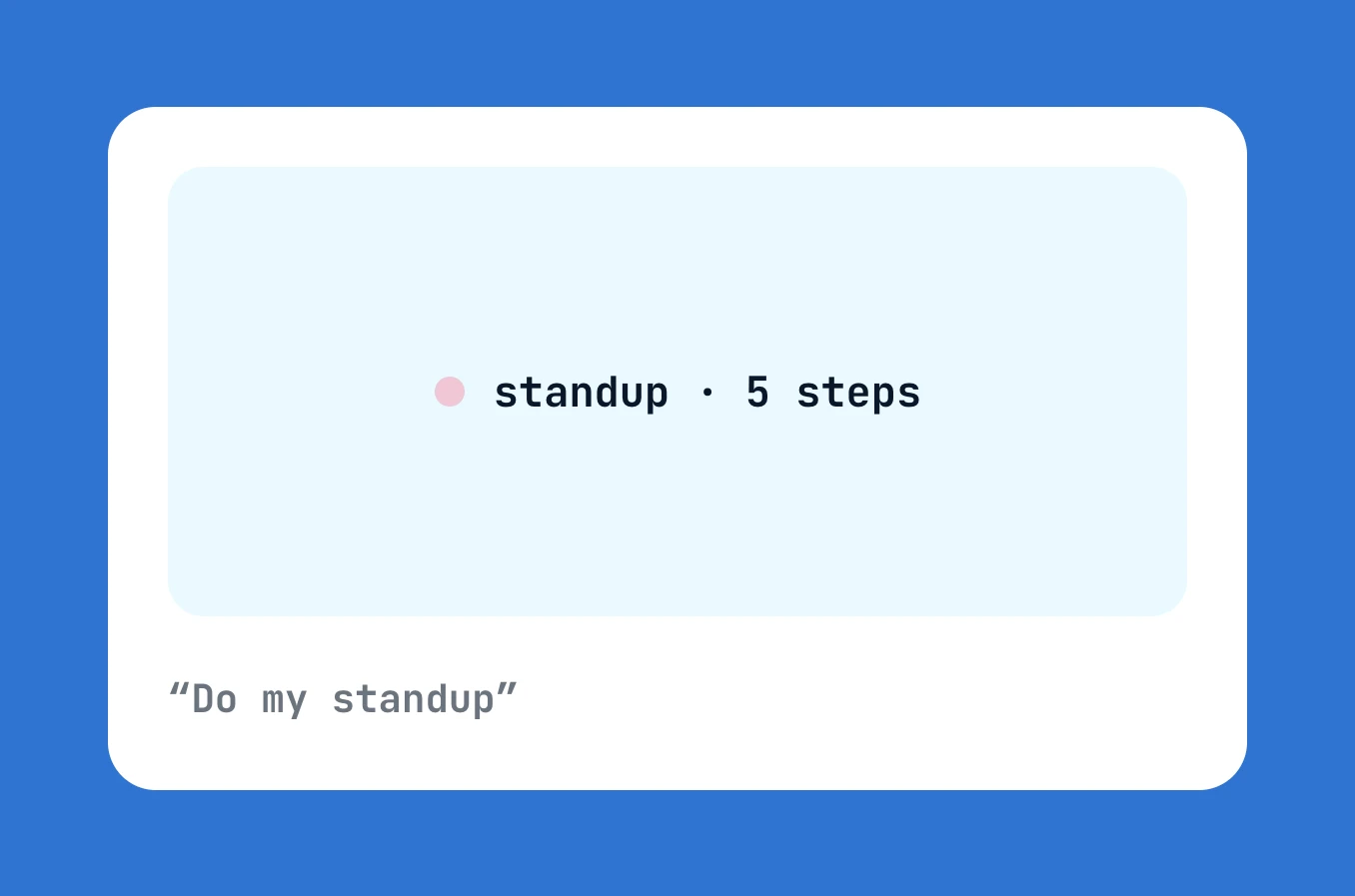
Show it a routine once, then ask for it by name. It replays the steps with no AI call.
Talk to it
- Speak or type. Click Cougny, or press Control + Option (Ctrl + Alt on Windows), and speak. It sends when you pause, and your speech is turned into text on your computer.
- Answers out loud. Replies are spoken in a natural voice, one of 11 you can pick and tune, starting as soon as the first sentence is ready. Then it listens a few more seconds, so you can just reply.
- Dictation. “Type what I say”, then speak: Cougny types it into the app you’re in.
- Hears voice messages. Ask what a voice message, a recording or a video says, and it listens and tells you.
- Keeps you posted. On longer tasks it says how it’s going, and “what are you doing?” gets an answer without stopping it.
Messages, mail and calls
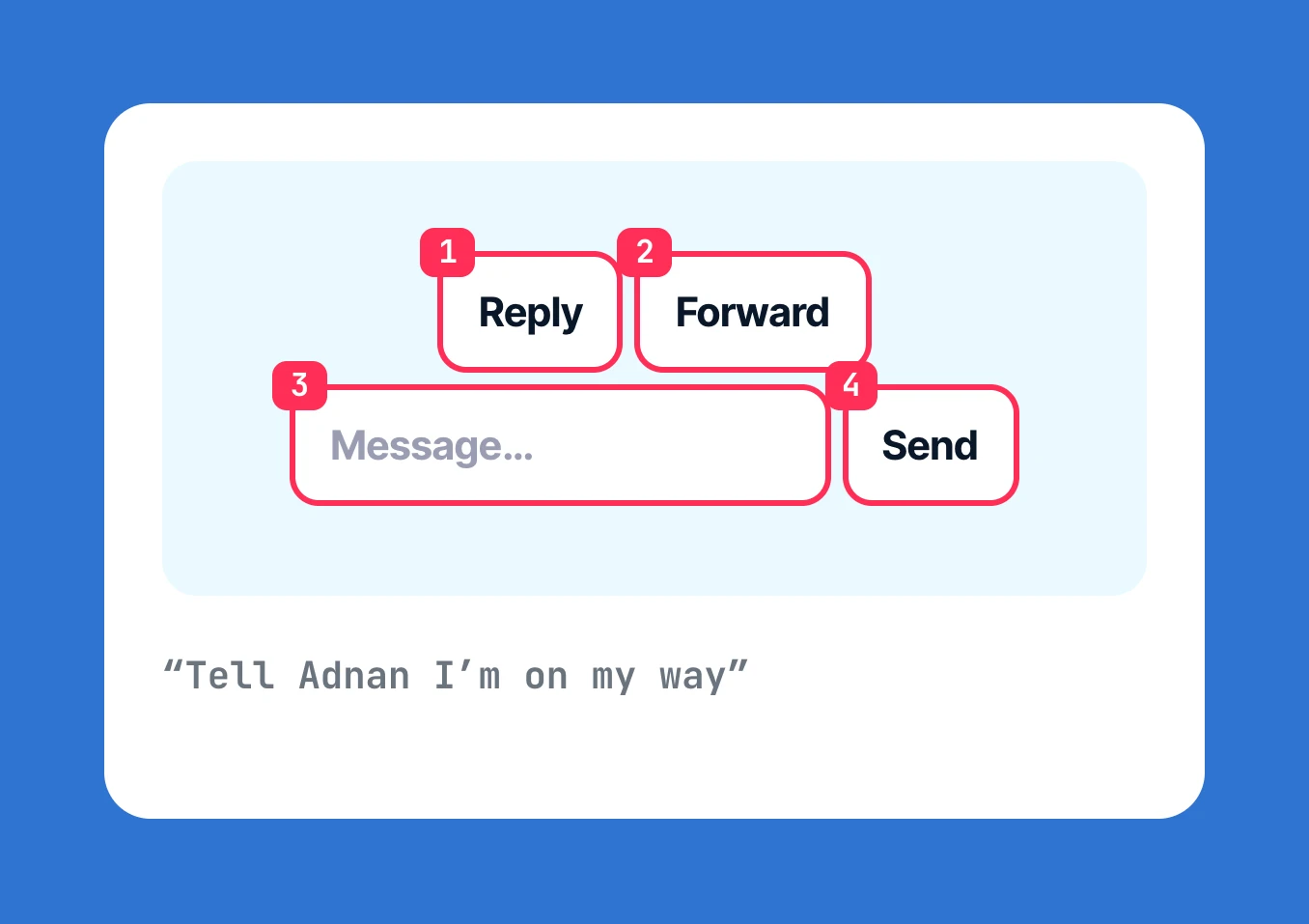
- All your chats. “Reply ‘on my way’ to Mum on WhatsApp”, “message Sam on Telegram”, “what did Mum say in Messages?”: chats open on the right person with the message written.
- Calls. “Call Adnan”, “FaceTime Mum”, “call Sam on Teams”: by iPhone, FaceTime, Phone Link or Teams.
- Inbox work. Finds receipts, drafts replies to unread emails without sending them, and moves newsletters into a folder. “Undo that” moves them back.
- Gmail, Microsoft 365 and any mailbox. Connect your Google or Microsoft account with one button, or any mailbox with an app password, and Cougny reads, drafts and sends mail and adds events and tasks directly.
- Keeps a conversation going. “Keep chatting with Razin on Instagram”: it replies in your voice as messages come in, and asks you before sharing anything private or agreeing to plans or money.
Documents, sheets and research
- Finished files. PowerPoint decks with charts and tables, Word documents, Excel workbooks with formulas and totals, PDFs and invoices whose totals are worked out exactly.
- Wide research with sources. “Compare the pricing and reviews of 30 CRMs”: helpers read pages at the same time, the findings go into a sheet with a Source column, and the facts that matter are checked against their pages.
- Questions about your screen. “What does this error mean?”, “summarize this page”: answered without clicking anything.
- Work with your text. “Translate what I copied”, “fix the grammar and paste it back”. Your clipboard is put back afterwards.
- Long reads. “Summarize the last 5 posts”: it reads down a feed or list once, noting what it finds, without losing its place.
Files, photos and videos
- Convert and read. Photos (RAW, HEIC, WebP, SVG…), documents and EPUB books, spreadsheets, slides, PDFs, audio and video, and the text in pictures and scans.
- Tidy up. Rename a batch of files, sort them into folders, shrink images and PDFs, zip and unzip.
- Find recent files. “Open the PDF I downloaded yesterday”, “what did I work on this morning?”
- Work on what you selected. Select files and say “zip these”, “convert these to PDF” or “email these to Adnan”.
- Photos and videos. “Find the photos from Lina’s birthday”, “make an album of the Paris trip”, “cut the first 10 seconds off this video”. Edits always make a new file.
- Screenshots. “Screenshot my Safari window and copy it”, “let me pick an area”.
Your computer
- Knows your computer. “Which apps are open?”, “what’s my battery at?”, “what tabs do I have open?”, “how much storage is left?”
- Settings by voice. Volume, brightness, Wi-Fi, Bluetooth, your headphones, dark mode, Do Not Disturb and the lock screen, and Night Shift on a Mac.
- Browser tabs. “Switch to my Gmail tab”, “close all YouTube tabs”, instantly.
- Music. “Play my Chill playlist”, “next song”: from Apple Music or Spotify.
- Timers and alarms. “Set a 5-minute timer for tea”, “wake me up at 7”.
- Your Shortcuts and flows. “Run my Morning shortcut” on a Mac, or a Power Automate flow on Windows.
- Draws on the screen. In a drawing app or a whiteboard it draws lines, arrows, boxes, sketches and a signature with the mouse.
- Keyboard first. It knows each app’s shortcuts and uses them instead of clicking wherever it can.
On its own
- Automations. “When an email from my bank arrives, save the PDF to Documents”, “5 minutes before each meeting, open its link”, “tell me when this page says In stock”. A time missed while your computer slept runs when it wakes.
- Several things at once. Ask for something else while Cougny works, or say “in the background, …”: it runs as a job of its own, never touching your mouse, keyboard or screen.
- Learns as it goes. Do something the same way twice and Cougny offers to learn it; after a yes, it runs in seconds with no AI call, with blanks like “send {file} to {person}”.
- Skills you can share. Share a taught task as a .cougny file; someone opens it, sees every step and adds it with one button.
- Tips that help. When a setting that’s off would have made a task faster, Cougny says which one and why.
Yours, on every computer
- About you. Your name, city and language, so it answers personal questions in your local time. Your email, phone and address are read only when a form needs them.
- Chats and history. Every conversation is saved; follow-ups remember what was said and done.
- Send files to your other computers. “Send this folder to my PC”, or Settings → Devices: files and folders go straight over your network to your other Macs and PCs signed in to your account, into their Downloads, never through the cloud. A computer takes files only once Receive files is on there.
- Usage. Settings → Usage shows how many tasks Cougny did, how many succeeded and how long they took.
- Choose how hard it thinks. An effort setting, with Cougny Fast and Cougny Pro.
- Cougny accounts. Sign in with a code by email, with Google or with a passkey. About you, your connected apps, your settings and your usage follow you to every Mac and PC.
- Always up to date. On a Mac, new versions install themselves while you’re away; on Windows, the Microsoft Store keeps Cougny up to date. Either way, it opens when you log in.
Make it yours
It leans toward your pointer, looks around when you go quiet, squints when a task is done and shakes its head when something fails. Pick a color and it follows.

Private by design
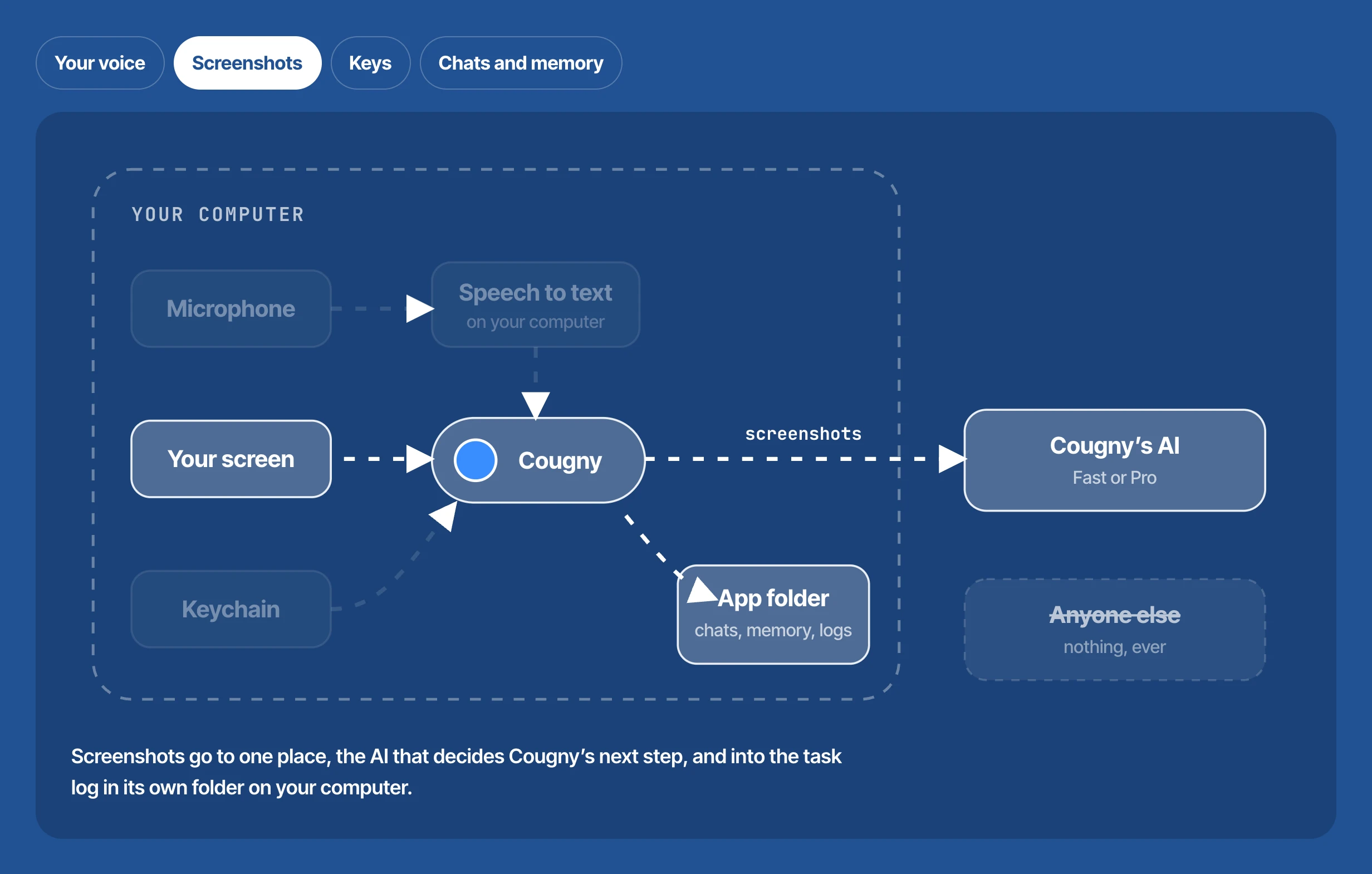
Speech is turned into text on your computer. Screenshots go only to the AI that decides Cougny's next step, keys live in your system's keychain, and there's no tracking. The privacy policy has the details.
Get Cougny
For Macs with Apple Silicon and for Windows 10 and 11: download Cougny.